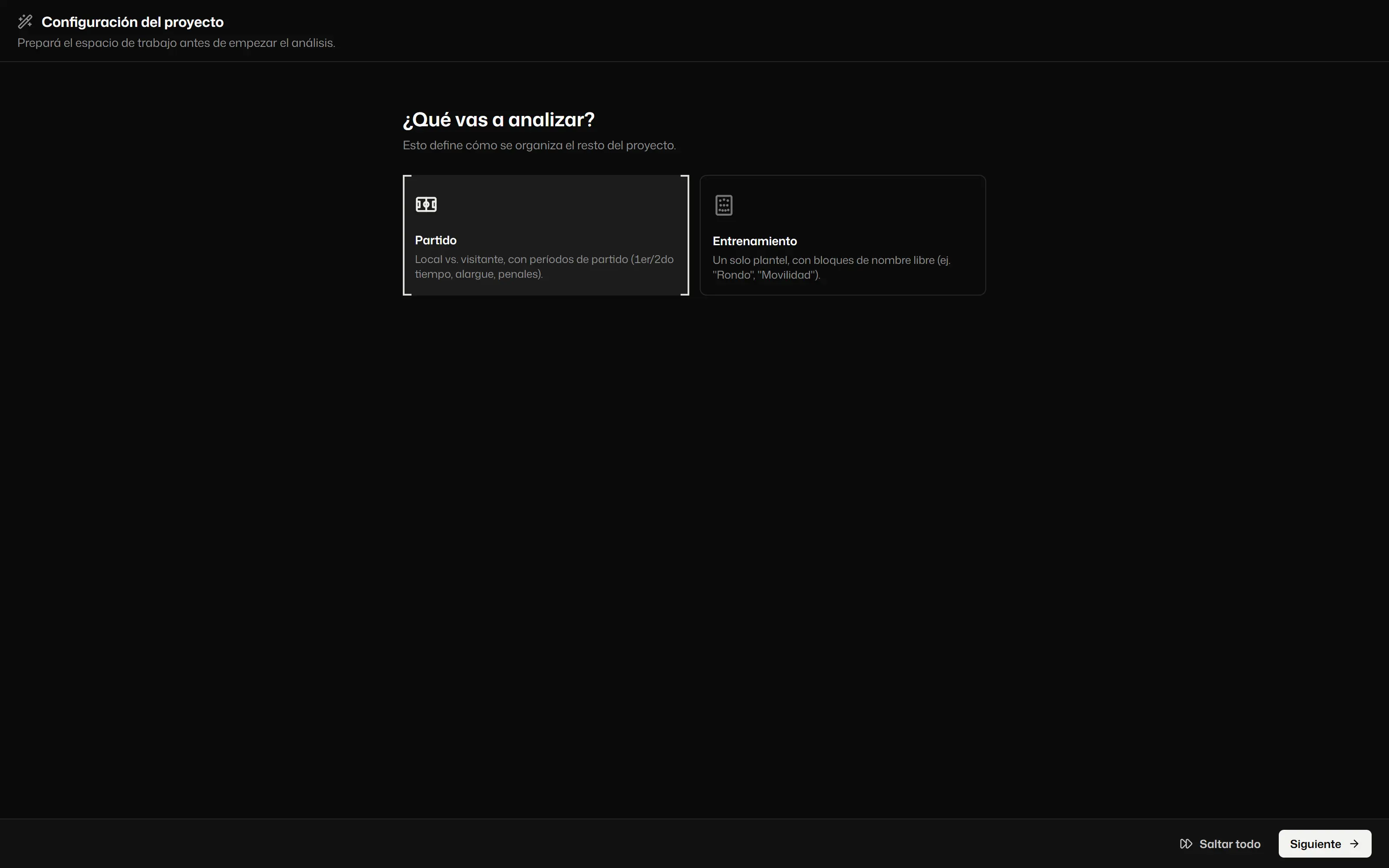
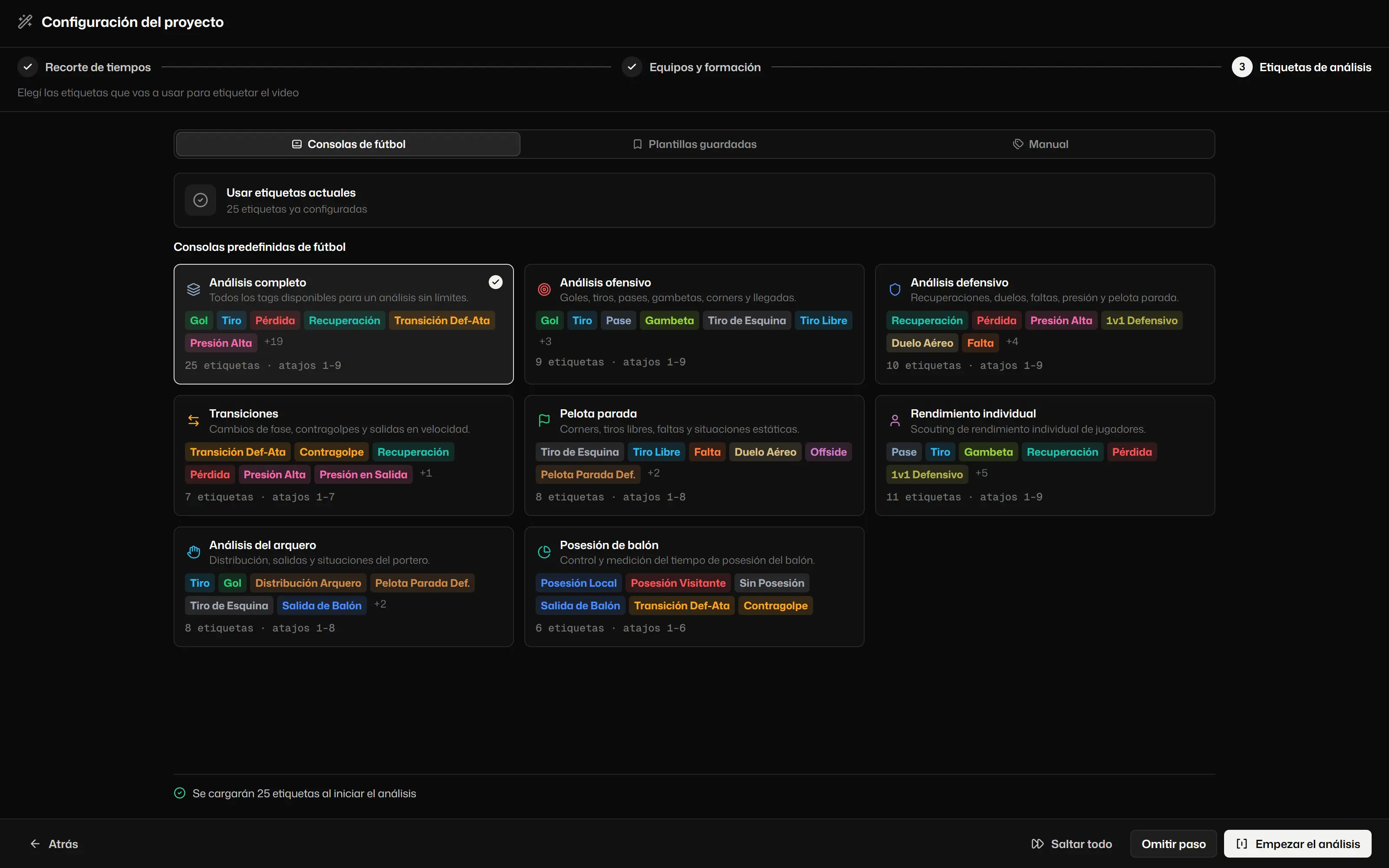
[ 00:00 ] Tactical video analysis for football
Every play, in brackets.
Tag the match from the keyboard, place every action on the pitch and come away with clips, reports and numbers you can stand behind.
Windows 10 and 11 · Mac with Apple Silicon · Español, English, Italiano
- Your video opens from your drive
- Tagging, drawing and export on your computer
- Imports XML from other tools
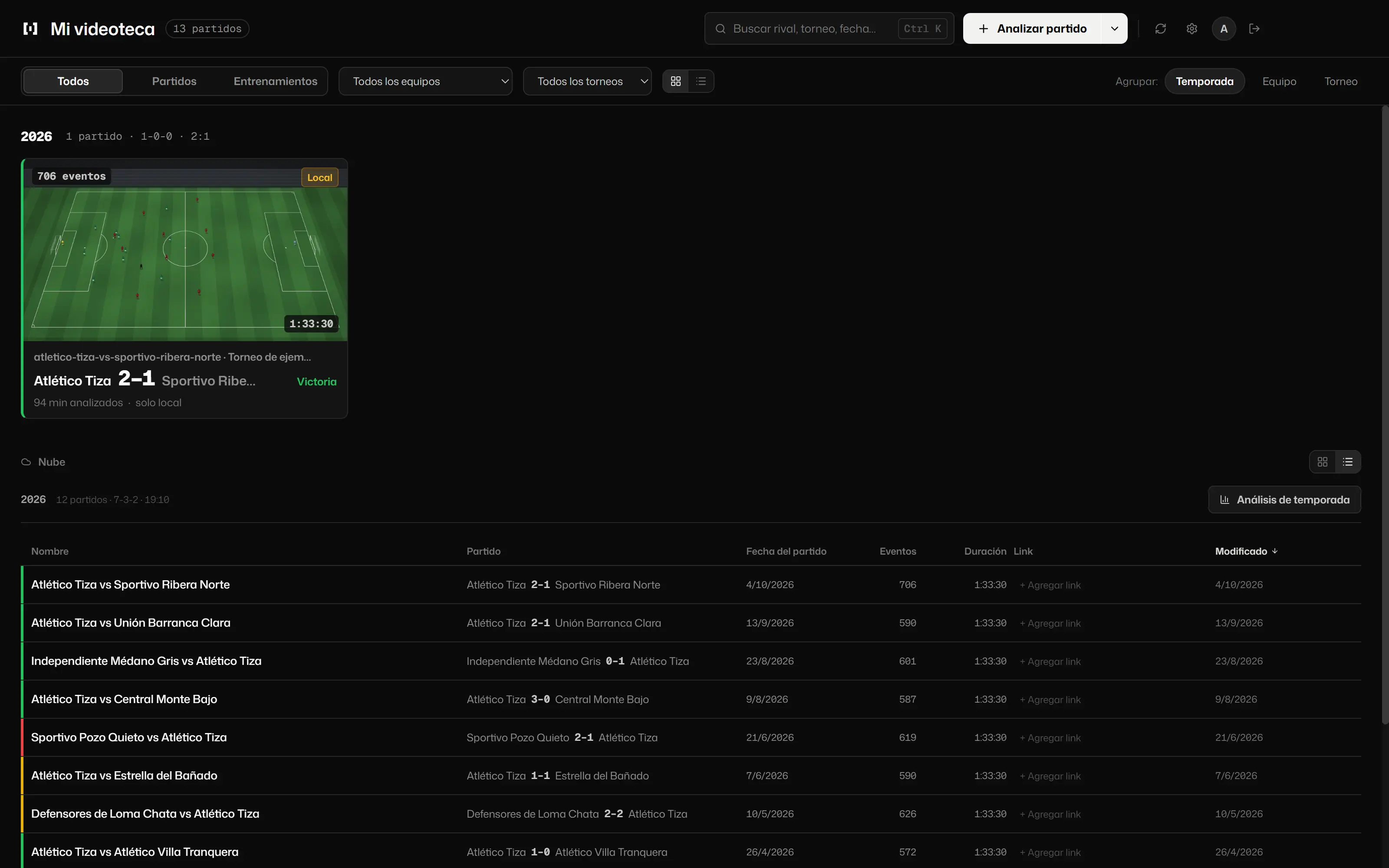
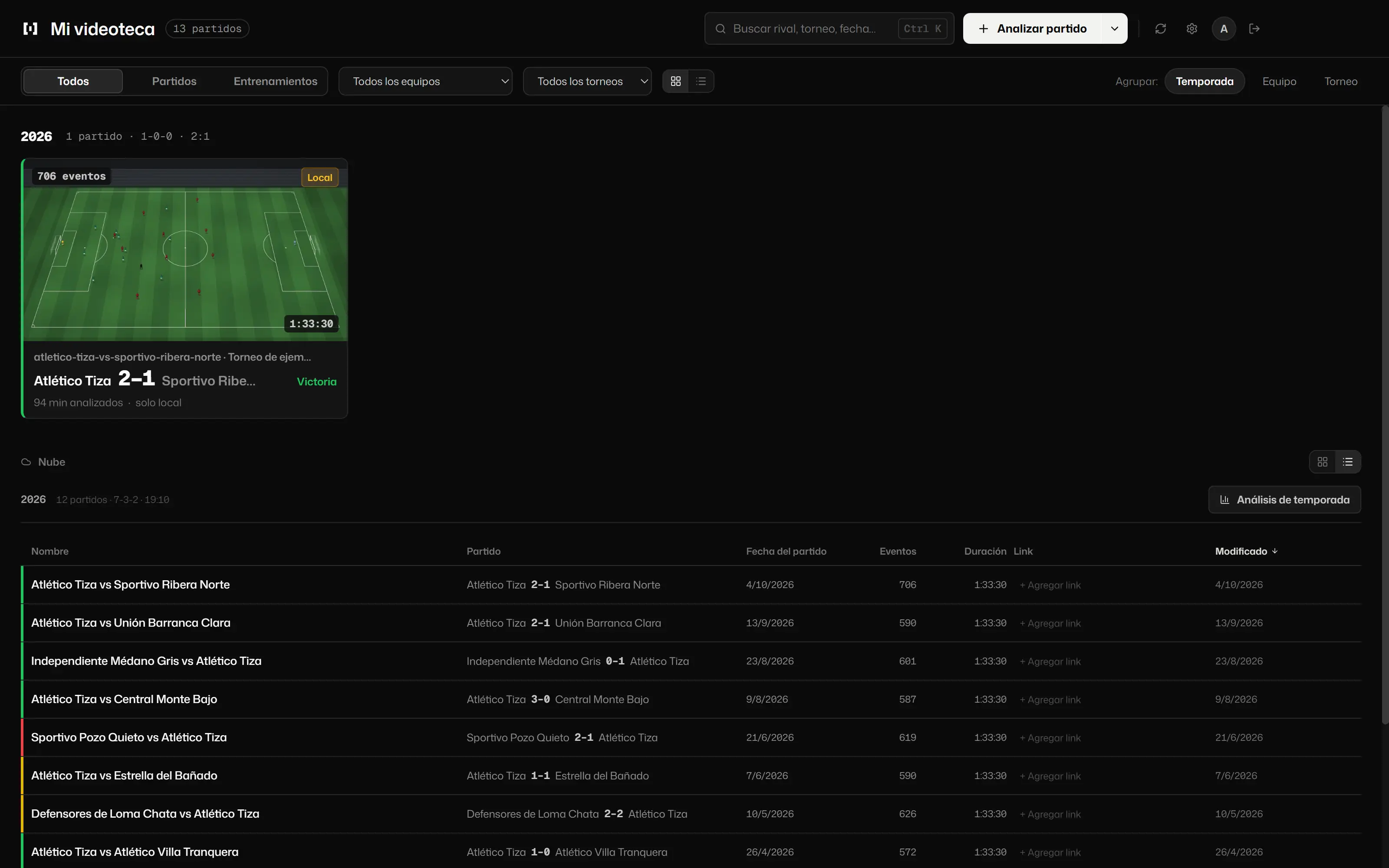
- Match, training and season
- PDF and HTML reports
- Spanish, English and Italian
[01]Tag
One key, one clip.
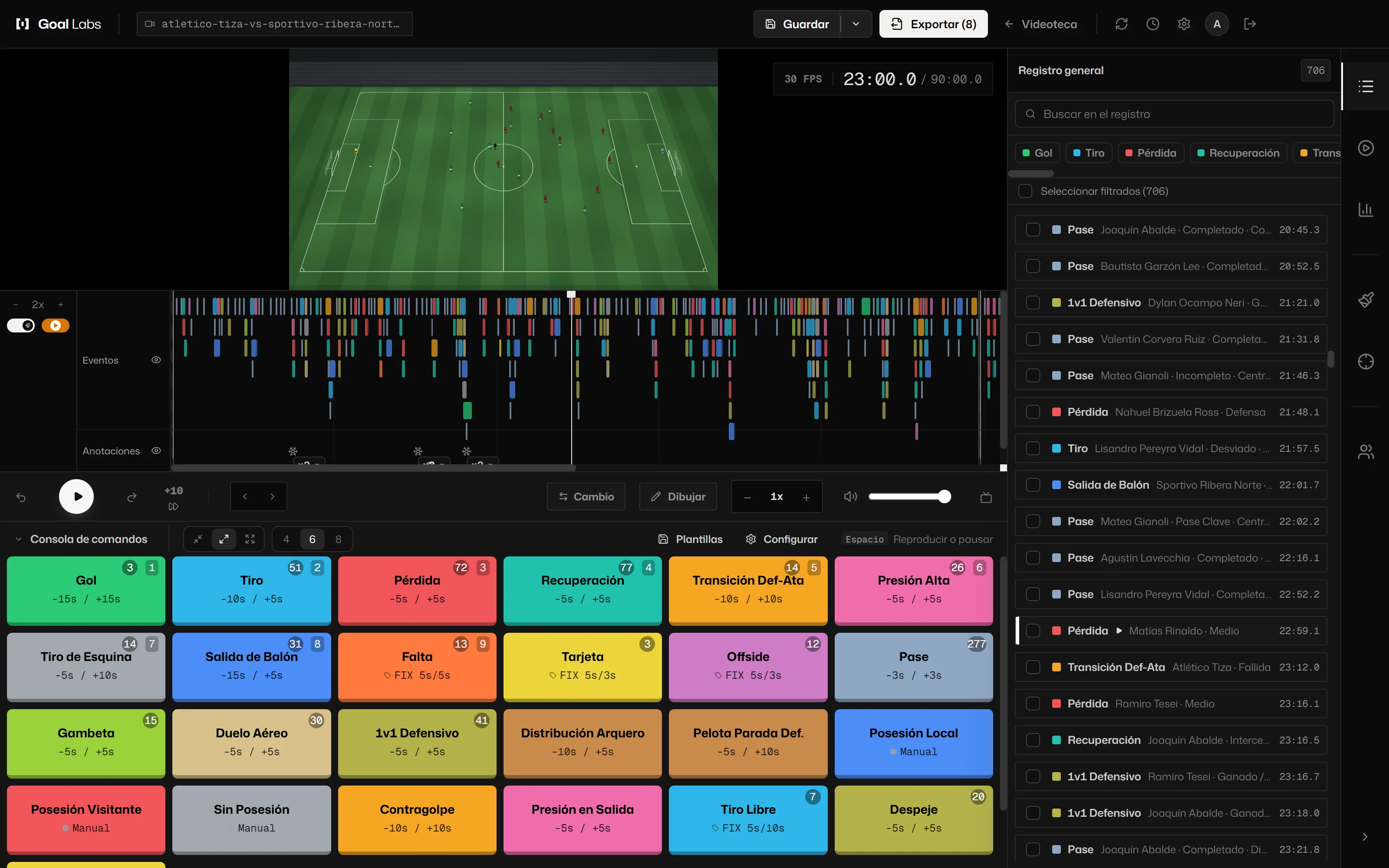
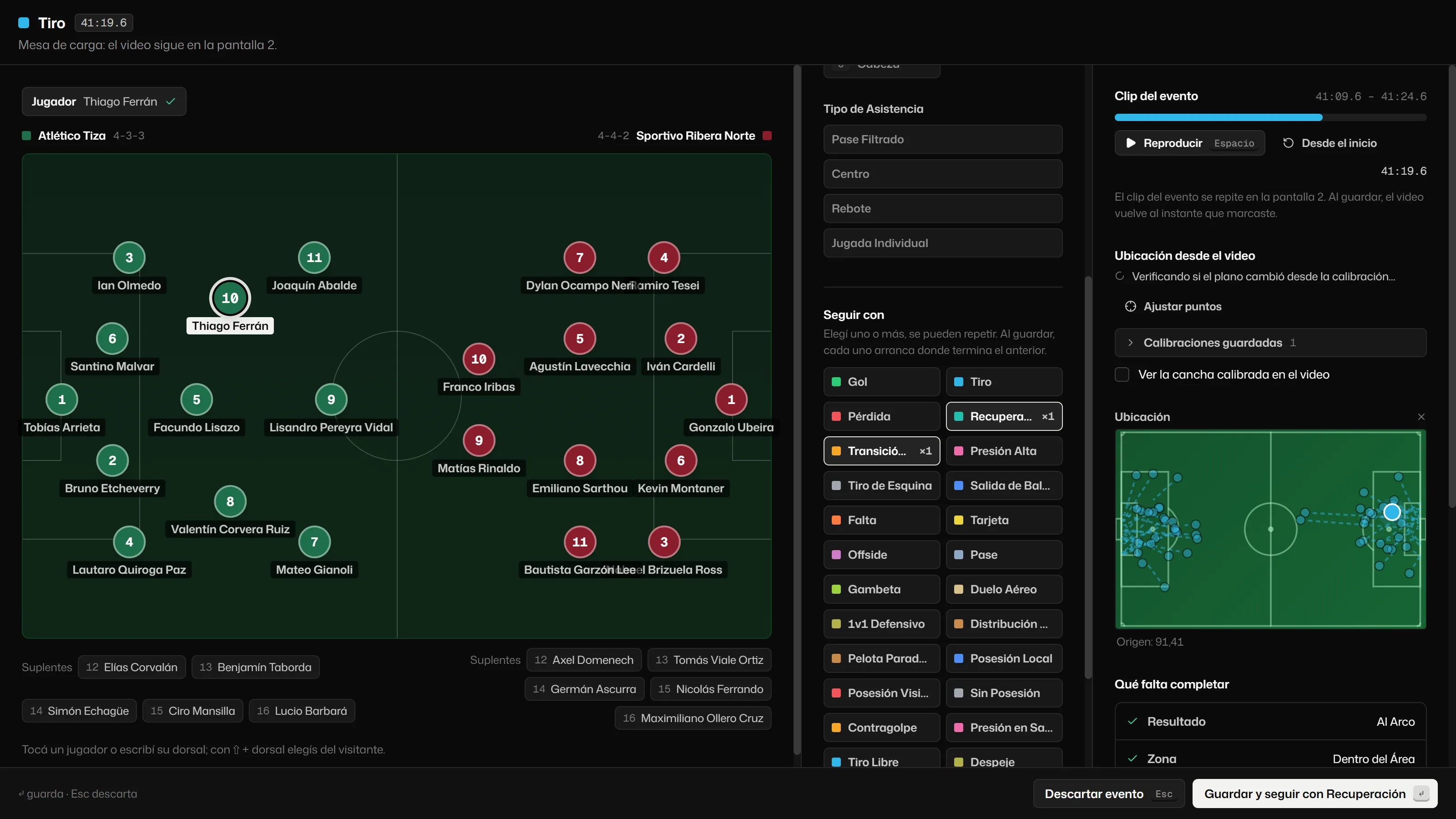
Every action has its key on the console. Press 1 and the goal is logged; 3, the turnover. The clip is marked with its lead and trail time, without pausing the video. If the action needs a player or a zone, you pick it with another key.
Try it here: tap a key or, with focus on the console, use 1 to 8.
All about taggingEvent log
- Shot23:35
- Def-Att Transition23:02
- Recovery22:31
- Goal21:58
Keys 1 to 8 · Escape to leave
[02]Draw and measure
Draw on the play and the drawing goes out with the clip.
Arrows, zones, spotlight and text on the video. The video freezes on its own while you draw, and the drawing can be animated. For offside, you mark two lines of the pitch and Goal Labs corrects the perspective: if that is not enough to decide, it tells you.
See the drawing tools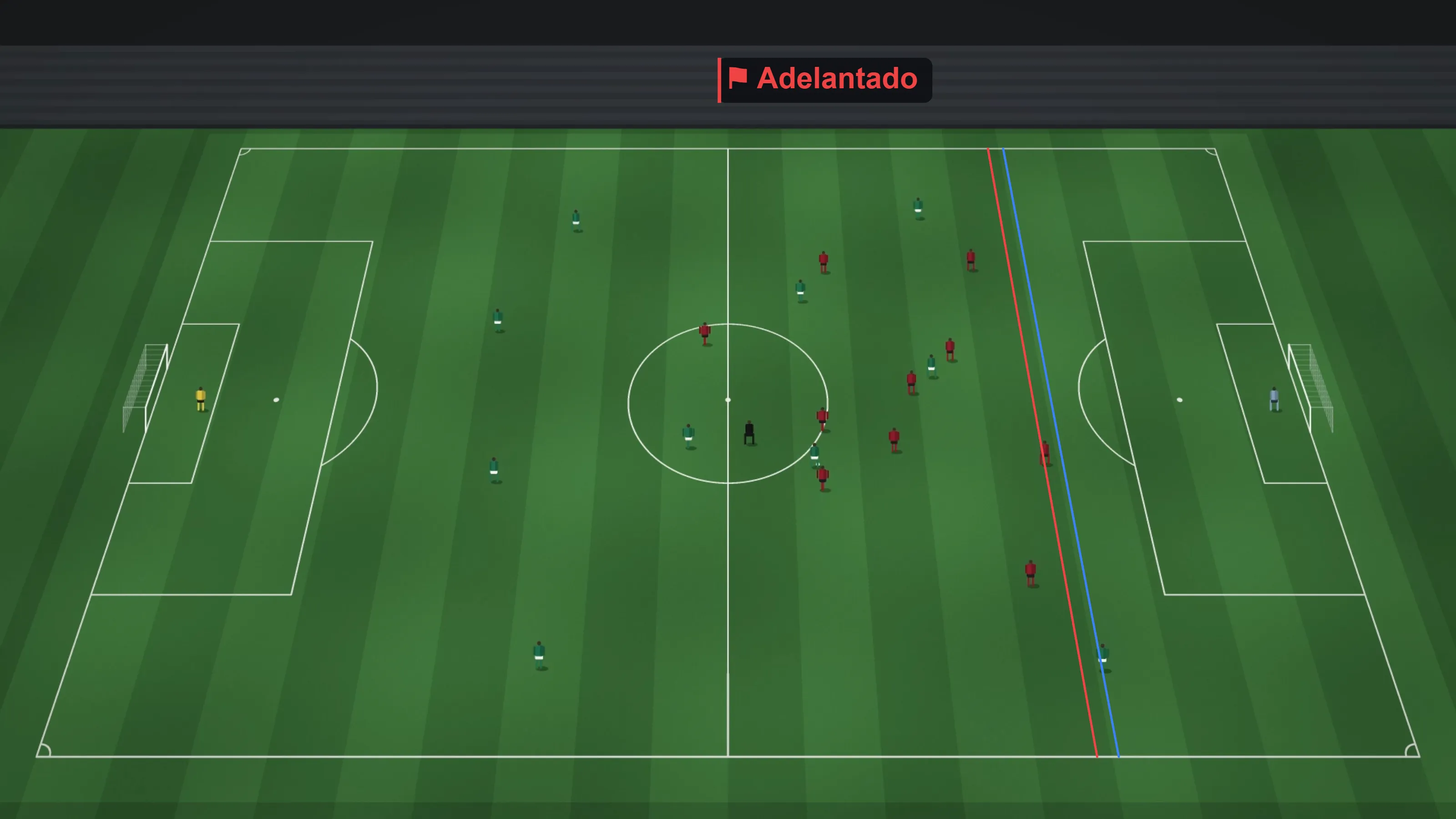
[03]Analyse
Numbers that come from what you tagged.
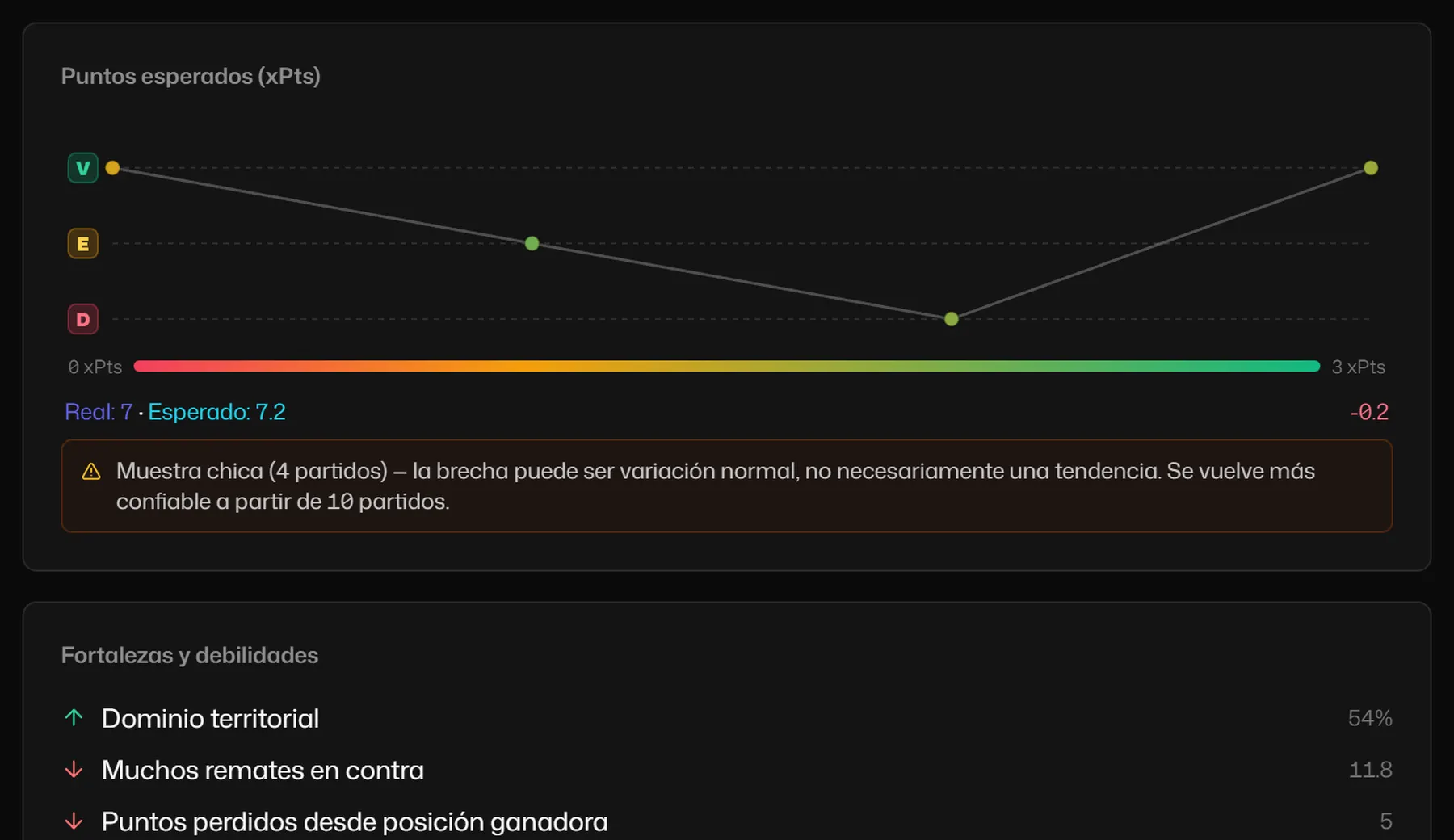
xG and xG race, pass network, PPDA, field tilt, heat map, duels, momentum and the actions-per-minute matrix. If a metric cannot be measured with what you tagged, it tells you what is missing. If the sample is small, it says so instead of inventing a trend.
See all the stats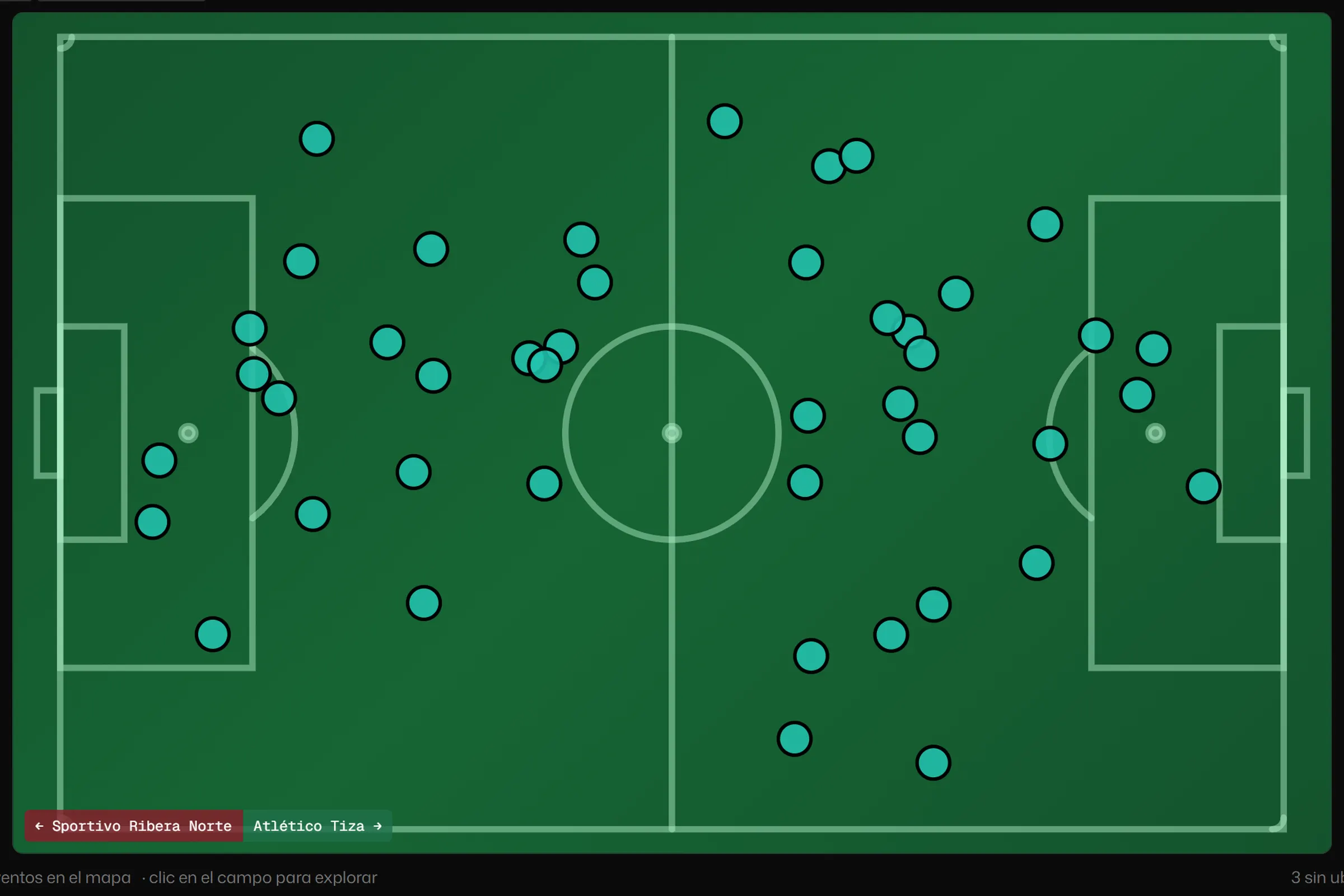
- xG
- 2.85
- Box entries
- 57
- Field tilt
- 60 %
[04]Live
Record the match and tag it as it happens.
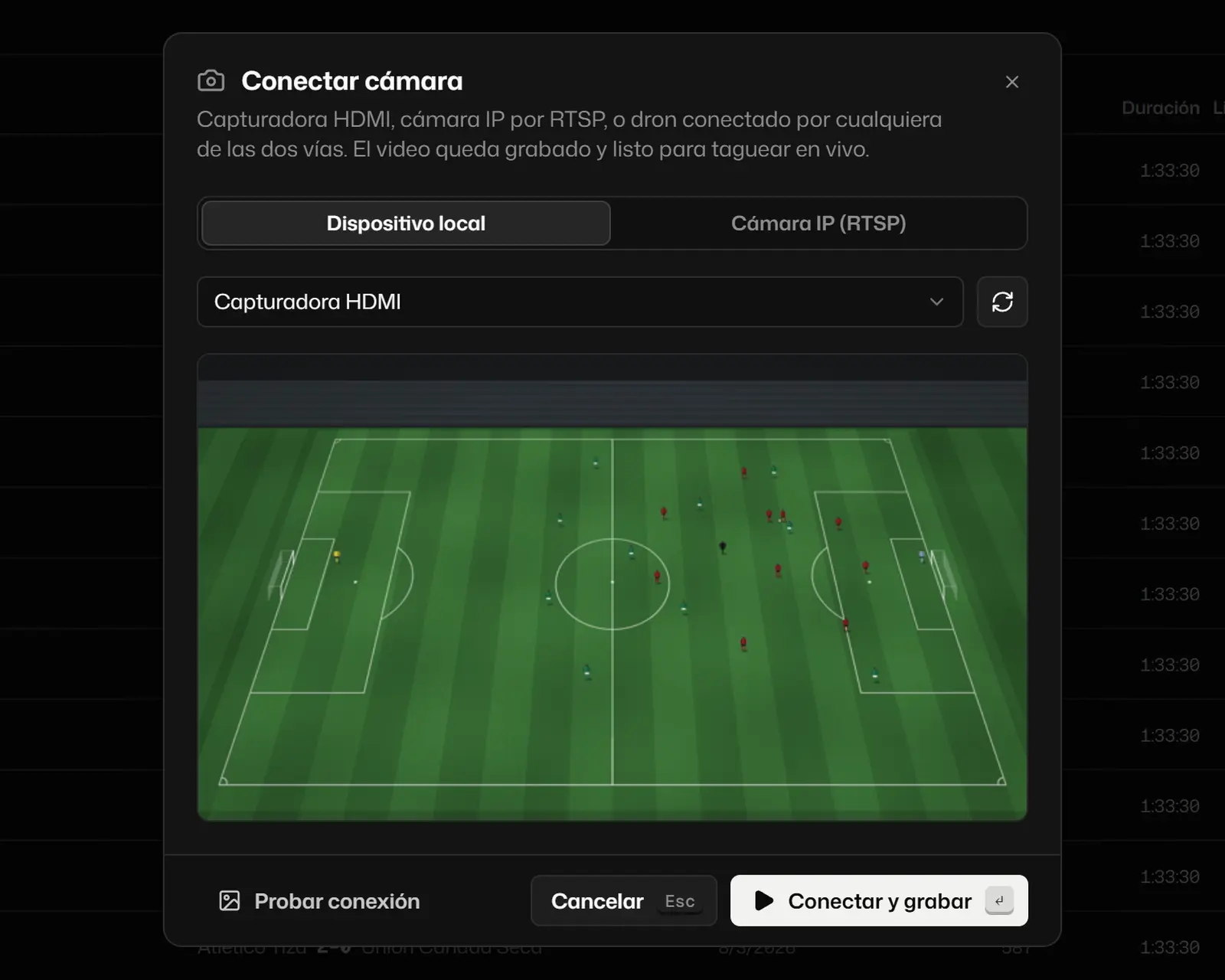
With a USB camera, an HDMI capture card or an IP camera. Mark the start and end of each half, replay a move without stopping the recording and, with two screens, fill in the event details on one while the match goes on on the other.
See how live recording works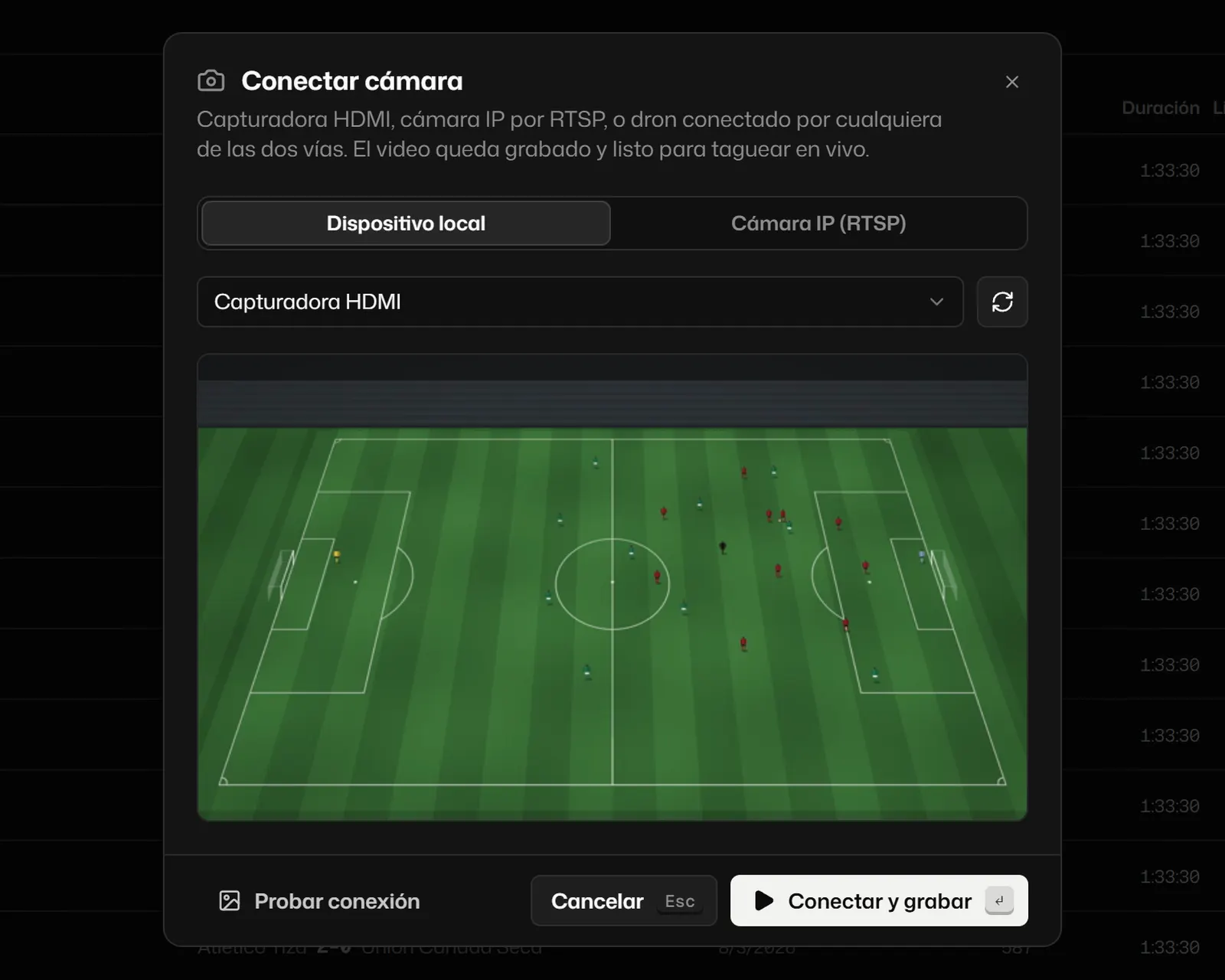
1 The logging desk
2 The video
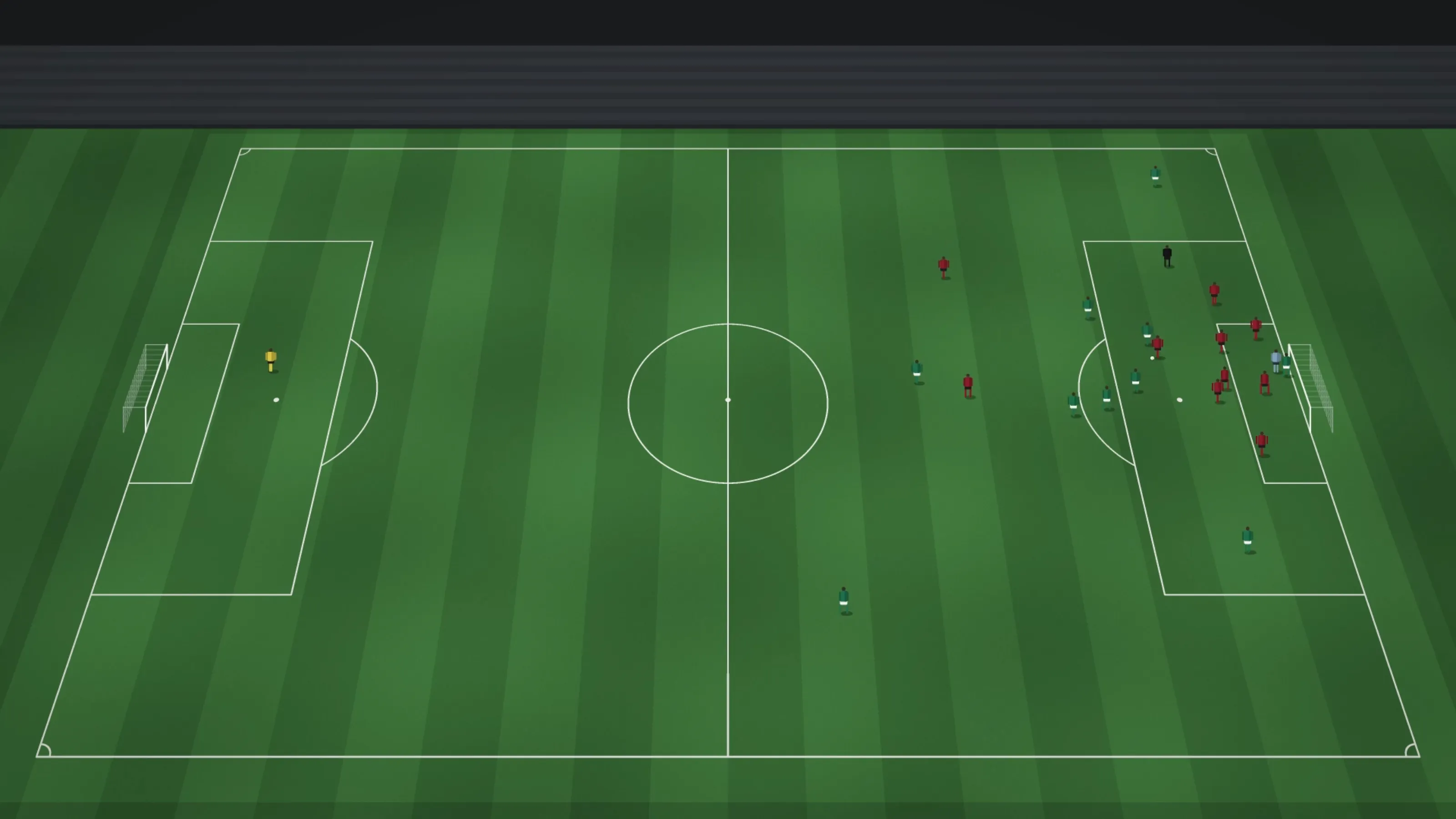
[05]How it works
From the match to the report, in one app.
Set up the project, load or record the video, tag, draw, check the numbers and share. What you tag is what you later measure, cut and send.
See the full walkthrough[06]Who it’s for
-
For analysts.
The whole match tagged from the keyboard, the logging desk on the second screen and output to your video editor.
-
For coaching staff.
The team talk with video and drawings, training by blocks and groups, and the opponent’s set pieces.
-
For clubs.
Match, training and season in one place, with the club’s GPS next to the video.
[07]Who makes it
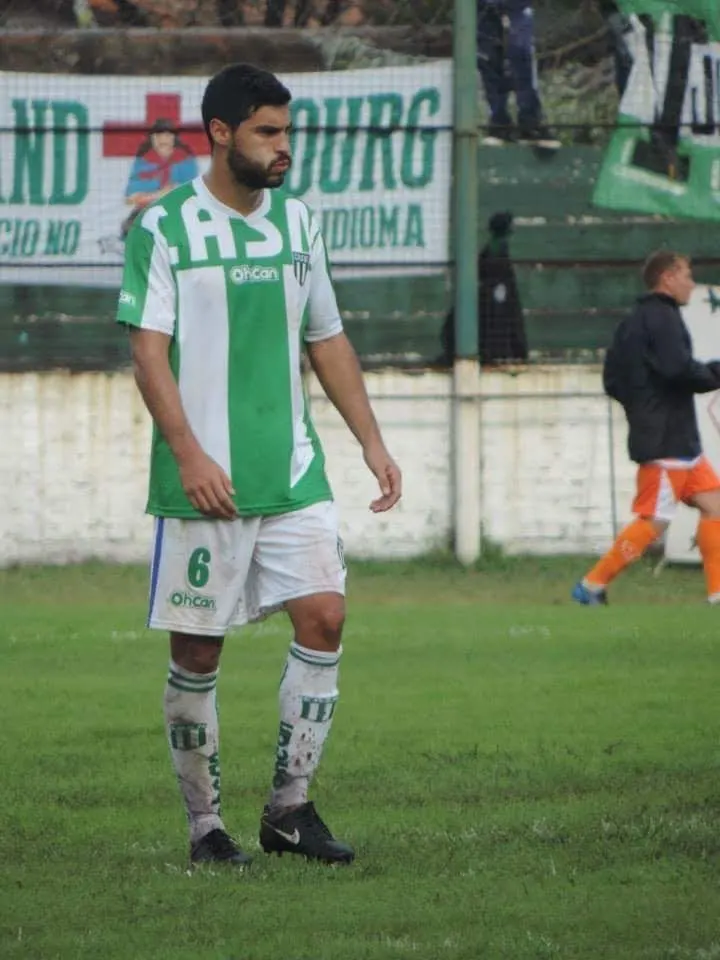
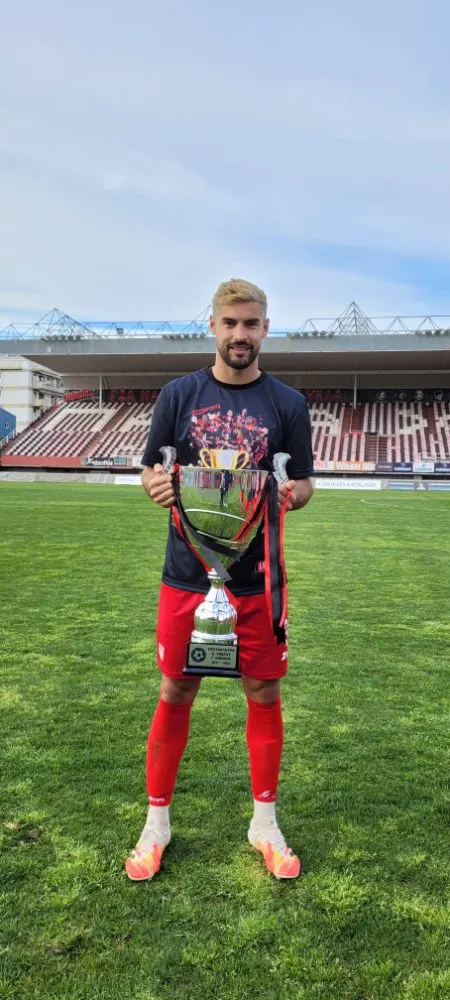
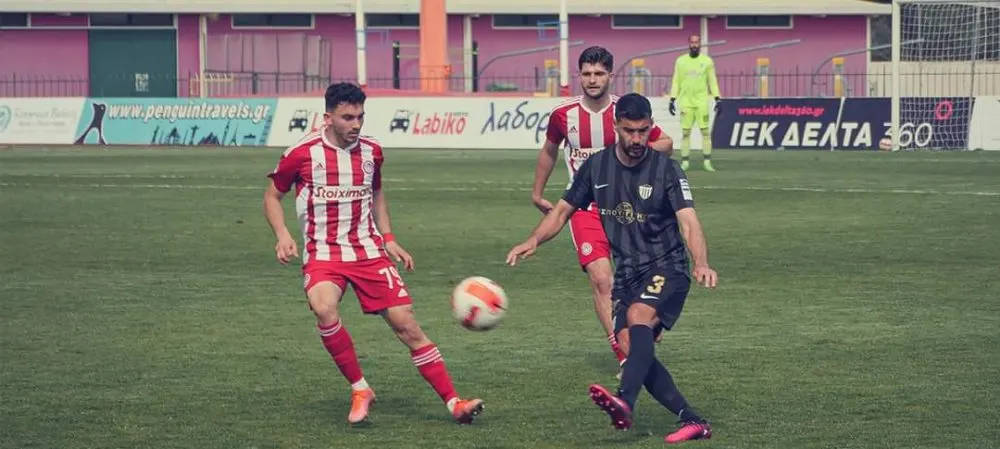
Made by someone who plays and analyses.
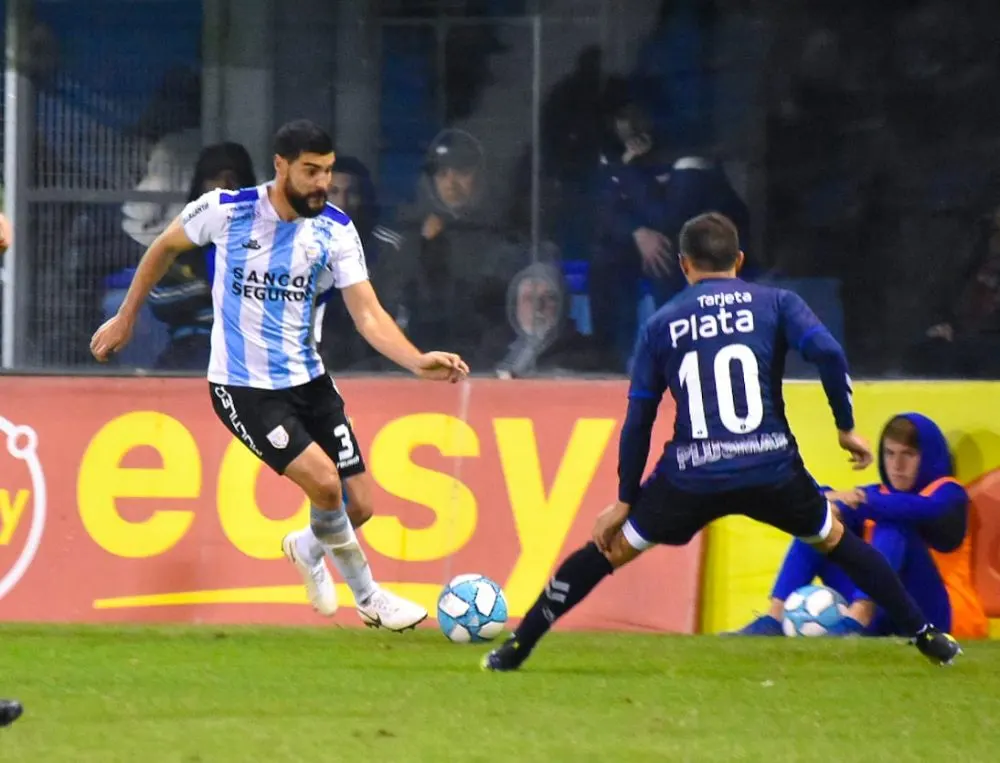
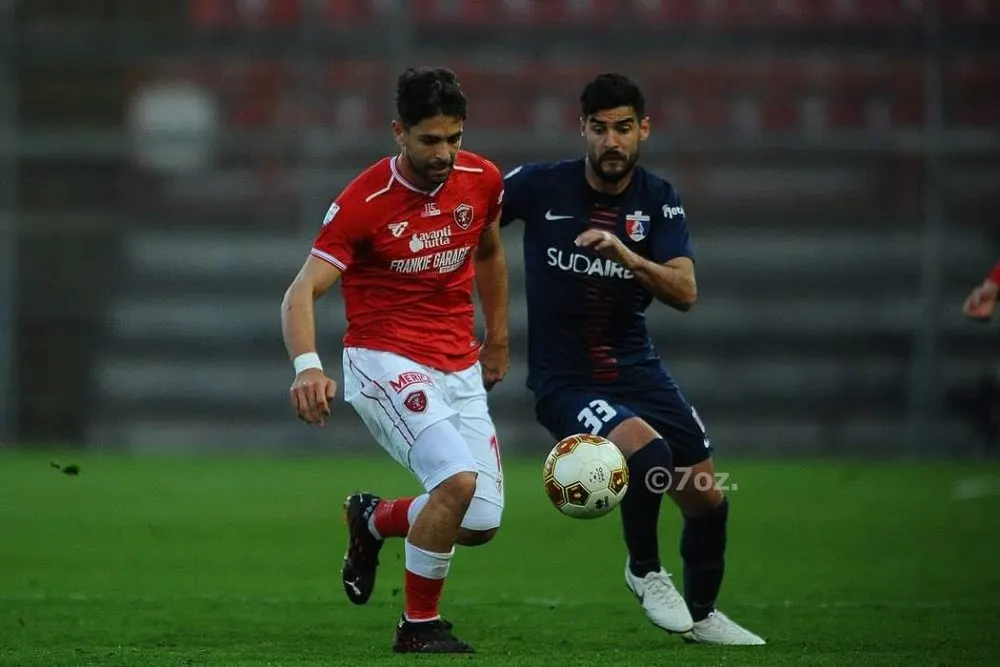
“Goal Labs was born from not wanting to pay for licences designed for top-flight European clubs. It is for the analyst who works alone, in the lower leagues, in youth football or in a small coaching staff, and still has to reach Monday with the clips, the numbers and the conclusion.”
Nacho Liporace, footballer and developer.
- Youth football at Boca Juniors and Argentinos Juniors
- Professional in Argentina and in Europe
- Degree in Physical Education and Sport
[08]Plans
Start for free.
The free plan is enough to tag, draw and cut clips. Pro adds stats, the season, reports, the cloud and live recording. Club adds the club’s GPS. You pay for Pro from the app, when you need it.
See what each plan includes